
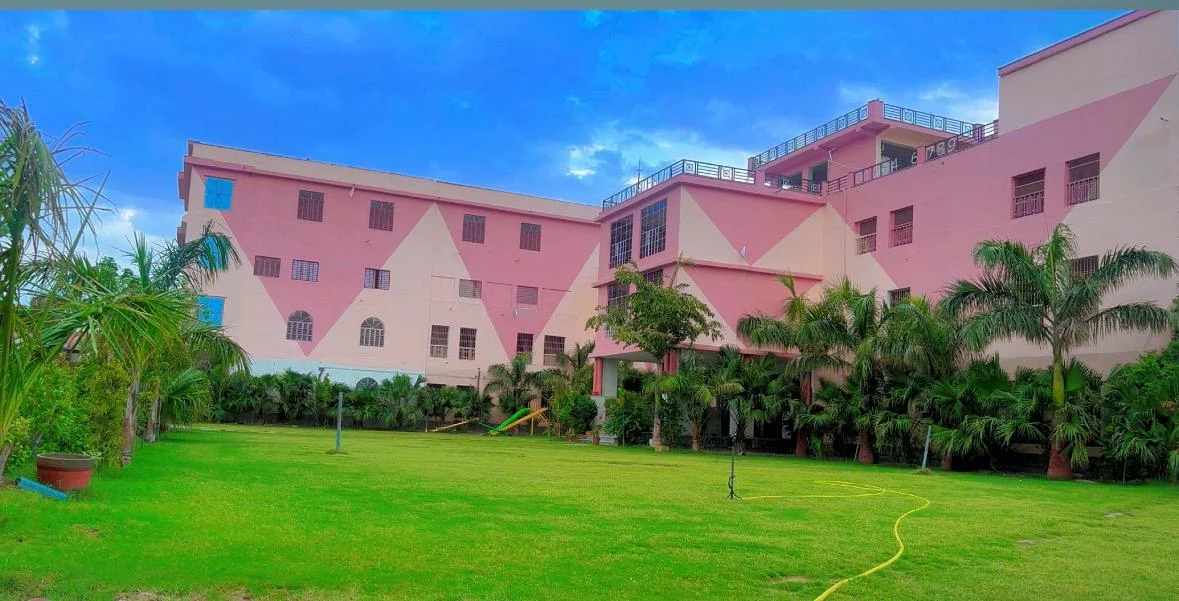
Campus Virtual Tour
Explore photographs shared by the school community. Plan a visit to see our classrooms, gardens and residential facilities.
Explore photographs shared by the school community. Plan a visit to see our classrooms, gardens and residential facilities.

Install the school website on your home screen for quick access.
In Safari, tap Share, then choose Add to Home Screen.
In Chrome or Edge, open the browser menu and choose Install app or Add to Home screen. The option appears when your browser supports installation.